

Smart home systems are becoming more common. Many people want to use them to make life easier. But how do these systems work? This guide will explain it in simple steps. You will understand how smart homes work. No hard words. Just clear and easy explanations.
What is a Smart Home System?
A smart home system uses technology to control things in your house. This can be lights, doors, cameras, or even the heater. You can control these things with your phone or voice. It helps save energy and makes your home safer.
Step 1: Smart Devices in Your Home
The first part of a smart home system is the smart devices. These are things you can control. Some examples:
- Smart lights that you can turn on and off with a phone.
- Smart thermostats that adjust the temperature automatically.
- Smart locks that let you open doors without a key.
- Security cameras that you can watch from anywhere.
Each device has a small computer inside. This lets it connect to the internet or to other devices.
Step 2: The Smart Home Hub or Controller
Next is the hub or controller. Think of it as the brain of the system. It talks to all your devices. It sends commands and gets information back.
Some smart home systems use a physical hub device. Others use your smartphone or tablet. The hub helps devices work together. It makes sure they understand each other.
Step 3: Connecting Devices to the Network
Smart devices need to connect to the internet or a local network. Usually, this is done with Wi-Fi or special wireless signals like Zigbee or Z-Wave.
Here is how it works:
| Step | What Happens |
|---|---|
| 1 | Device turns on and searches for a network. |
| 2 | Device connects to your home Wi-Fi or hub network. |
| 3 | Device registers with the smart home hub or app. |
| 4 | Device is ready to receive commands and send data. |
Once connected, you can control devices from anywhere if you have internet.
Step 4: Using the Smart Home App
The app is how you control your smart home. You can download it on your phone or tablet. The app shows all your devices in one place.
With the app, you can:
- Turn devices on or off.
- Change settings, like brightness or temperature.
- Check if doors are locked or unlocked.
- See live video from cameras.
The app sends your commands to the hub or directly to the device.
Step 5: Voice Control
Many smart homes use voice assistants like Alexa, Google Assistant, or Siri. These let you control devices by speaking.
How does this work?
- You say a command, like “Turn off the lights.”
- The voice assistant hears you and understands the request.
- It sends the command to the smart home hub or device.
- The device does what you asked.
This is useful when your hands are busy or you want quick control.
Step 6: Automation and Rules
Smart home systems can do things automatically. This is called automation. You can set rules that tell devices what to do and when.
Examples of automation:
- Turn on lights when you enter a room.
- Lock doors at night automatically.
- Lower the thermostat when you leave home.
- Send an alert if a camera detects movement.
You create these rules in the app. Once set, the system works without needing you to do anything.
Step 7: Sensors and Feedback
Sensors help smart homes know what is happening. They collect information and send it to the system.
Common sensors include:
- Motion sensors that detect movement.
- Door and window sensors that sense if they open or close.
- Temperature sensors that check the room heat.
- Light sensors that measure brightness.
With sensor data, the system can react properly. For example, lights turn on only if someone is in the room.
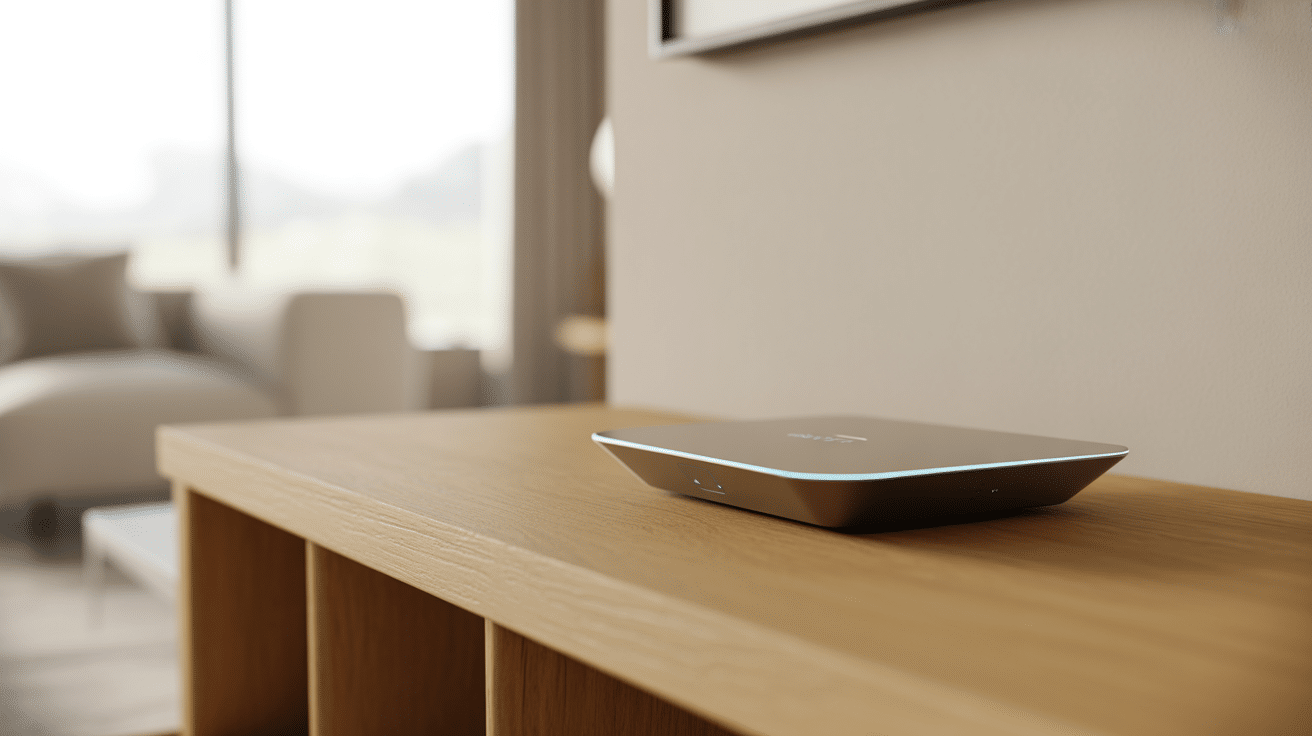
Credit: boomset.com
Step 8: Security and Privacy
Smart home systems must keep your data safe. They use encryption to protect your information. This means your data is scrambled and hard to read by others.
Make sure to use strong passwords. Keep your apps and devices updated. This helps protect your home from hackers.
Step 9: Adding More Devices
You can add many devices to a smart home system. The hub can connect to many gadgets. This lets you expand over time.
Before buying new devices, check if they work with your system. Some brands only work with certain hubs or apps.
Step 10: Monitoring and Maintenance
Smart homes need some care to work well. Check devices regularly. Make sure batteries have power. Update the software when needed.
This keeps the system working smoothly. It also helps avoid problems.
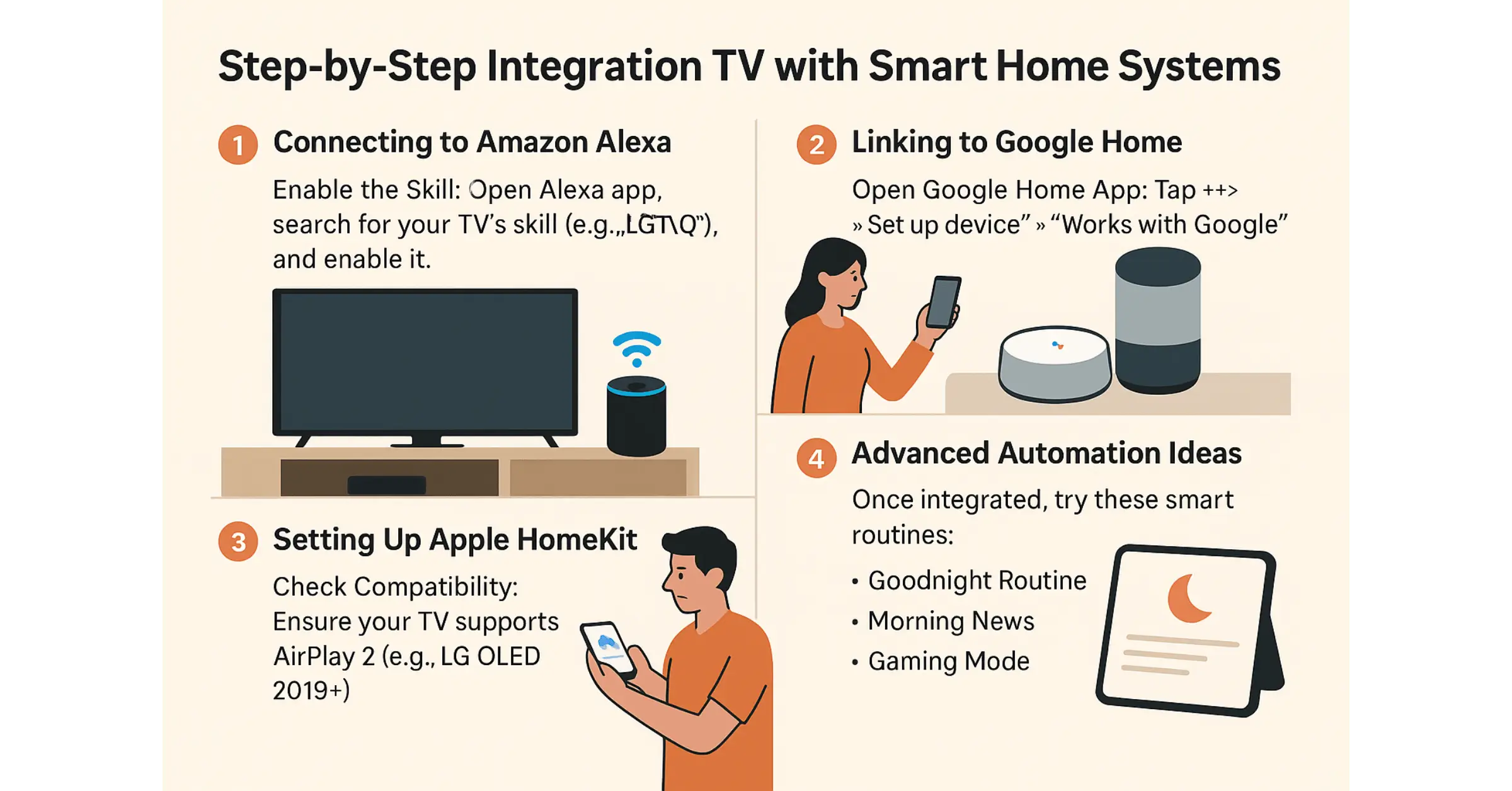
Credit: userlyf.com
Summary Table: How Smart Home Systems Work
| Step | What Happens |
|---|---|
| 1 | Install smart devices like lights and locks. |
| 2 | Use a hub or controller to connect devices. |
| 3 | Devices connect to your Wi-Fi or hub network. |
| 4 | Control devices using a smartphone app. |
| 5 | Use voice commands with assistants like Alexa. |
| 6 | Create automation rules for devices to follow. |
| 7 | Sensors send information for smart reactions. |
| 8 | Security measures keep your data safe. |
| 9 | Add more devices to grow your system. |
| 10 | Regular maintenance keeps system working well. |
Frequently Asked Questions
What Devices Are Needed For A Smart Home System?
Smart home systems use devices like smart lights, thermostats, cameras, and sensors. These connect to a central hub or app for control.
How Does A Smart Home System Connect Devices?
Devices connect via Wi-Fi, Zigbee, or Bluetooth to communicate with each other. This network allows remote control and automation.
Can Smart Home Systems Work Without Internet?
Some smart devices work locally without internet, but many need it for remote access. Internet helps in controlling devices from anywhere.
How Do Smart Home Systems Improve Energy Efficiency?
Smart thermostats and lights adjust automatically to save energy. They reduce waste by turning off devices when not needed.
Conclusion
Smart home systems work by linking devices and controlling them easily. You use a hub, app, or voice assistant to manage your home. Sensors and automation make life simple and safe. With some care, smart homes bring comfort to daily life.
Now you know how smart home systems work step by step. You can think about adding one to your home too. Remember, start small and learn as you go.