

Smart kitchen devices are becoming very popular. Many people use smart ovens, refrigerators, coffee makers, and more. These devices help us cook, store food, and make drinks easily. But when you have many smart devices, it can be hard to manage them all. This article shows simple ways to manage multiple smart kitchen devices well.
Why Manage Smart Kitchen Devices Well?
Having many smart devices can make cooking easier. But if you don’t manage them well, they might confuse you. You might forget to turn off a device or set the wrong time. Good management helps save time and energy. It also keeps your kitchen safe.
Start with a Clear Setup
When you get new smart kitchen devices, set them up carefully. Follow the instructions step by step. Connect each device to your home Wi-Fi. Make sure the connection is strong. A weak connection can cause devices to stop working.
Use one app or system if possible. Many devices work with apps like Google Home or Apple HomeKit. Using one app helps control all devices from one place. This makes managing easier and faster.
Label Your Devices
Give each device a clear name. For example, call your smart oven “Kitchen Oven.” Name your coffee maker “Coffee Machine.” This helps when you use voice commands or apps. It is easier to find and control the right device.
Create a Schedule
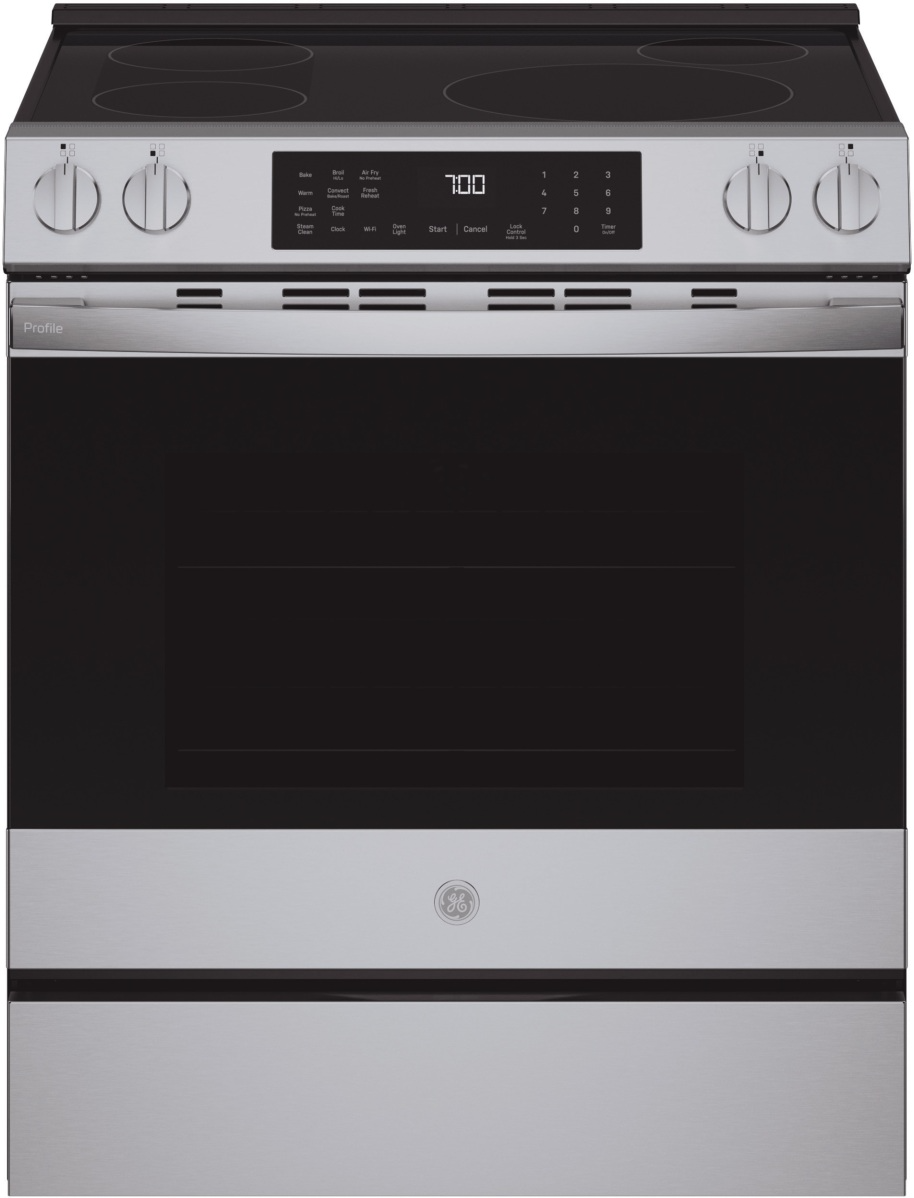
Many smart kitchen devices allow you to set schedules. You can set the coffee maker to start at 7 AM. Or set the oven to preheat before cooking. Make a simple schedule for your devices. This saves you time and keeps things organized.
Write down your schedule on paper or use a calendar app. Check the schedule often. Change it if your routine changes.
Credit: www.fredericksons.com
Use Voice Control Wisely
Voice assistants like Alexa or Google Assistant can control smart devices. Use voice commands to turn on or off devices. You can ask for the oven temperature or start the dishwasher.
Practice clear and simple commands. For example, say “Turn on Kitchen Oven.” Avoid long sentences. This helps the assistant understand you better.
Keep Devices Updated
Smart devices need updates to work well. Updates fix bugs and add new features. Check for updates regularly. Most apps will notify you when updates are ready.
Do not ignore updates. They keep your devices safe and efficient.
Group Devices for Easy Control
Some apps let you group devices. For example, group all kitchen lights together. Or group cooking devices like the oven and stove.
With groups, you can control many devices at once. Turn off all cooking devices after you finish cooking. This saves energy and keeps the kitchen safe.
Credit: www.alibaba.com
Monitor Energy Use
Smart devices often show how much energy they use. Check energy use in your app. If a device uses too much energy, change how you use it.
Turn off devices when not needed. This helps lower your electric bill.
Keep Your Kitchen Network Secure
Smart devices connect to your Wi-Fi. Make sure your Wi-Fi is secure. Use a strong password. Change the password regularly.
Do not share your Wi-Fi password with many people. This keeps your devices safe from hackers.
Organize Device Placement
Place smart devices where they work best. Keep the smart speaker in a central spot to hear you clearly. Place sensors where they can detect temperature or movement well.
Good placement helps devices work better and saves battery life.
Use Automation Features
Many smart kitchen devices have automation options. Automation means devices do things by themselves. For example, the fridge can alert you if the door is open too long.
Set simple automations that match your daily habits. This makes your kitchen smarter and easier to use.
Keep a Manual Backup
Smart devices can stop working sometimes. Maybe the internet is down or the app has a problem. Keep a manual way to use your devices. For example, know how to use your oven without the app.
This keeps you ready for any problem.
Teach Family Members How to Use Devices
Not everyone knows how to use smart devices. Teach your family simple steps. Show them how to turn devices on and off. Explain how to use voice commands.
This helps everyone use the kitchen easily and safely.
Keep Track of Device Manuals and Support
Save manuals and support info for each device. You can keep a folder or use a note app. Manuals help you when you have questions or problems.
Contact support if a device does not work well. They can help you fix problems quickly.
Summary Table: Tips for Managing Smart Kitchen Devices
| Tip | Description |
|---|---|
| Clear Setup | Follow instructions and connect devices properly to Wi-Fi. |
| Label Devices | Name each device clearly for easy control. |
| Create Schedules | Set times for devices to start or stop automatically. |
| Voice Control | Use simple commands to control devices by voice. |
| Keep Updates | Install software updates regularly for better performance. |
| Group Devices | Control multiple devices together in groups. |
| Monitor Energy | Check energy use and turn off devices when not needed. |
| Secure Network | Protect your Wi-Fi with strong passwords. |
| Organize Placement | Place devices in the best spots for use and signal. |
| Use Automation | Set devices to work automatically based on your habits. |
| Manual Backup | Know how to use devices without smart features. |
| Teach Family | Help others learn to use smart kitchen devices. |
Final Thoughts
Managing many smart kitchen devices can seem hard. But with simple steps, it is easy. Set up your devices well. Use apps and voice commands simply. Keep your devices updated and secure. Make schedules and use automation to save time. Teach your family to use devices safely.
By following these tips, your smart kitchen will be a happy and easy place to cook. Enjoy your smart kitchen without stress!
Frequently Asked Questions
How Can I Connect Multiple Smart Kitchen Devices Easily?
Use a single smart home app that supports all your devices. This keeps control simple and in one place.
What Is The Best Way To Organize Smart Kitchen Devices?
Group devices by function or location for easier management. Labeling helps to quickly identify each device.
How Do I Avoid Wi-fi Issues With Many Smart Kitchen Gadgets?
Place your router near the kitchen or use a Wi-Fi extender. This improves signal strength and device response.
Can I Automate Tasks Across Different Smart Kitchen Devices?
Yes, use routines or scenes in your smart home app. This lets devices work together automatically.