

Setting up a smart home can seem hard. But it is not. You just need to follow a few simple steps. This guide will help you understand how to start. You do not need to be a tech expert. Just read and learn.
What Is a Smart Home?
A smart home uses devices connected to the internet. These devices can be controlled from your phone or voice. They can make life easier. For example, you can turn on lights without getting up. Or lock the door when you are away. Smart homes help save time and energy.
Why Should You Set Up a Smart Home?
- Convenience: Control many things from one place.
- Safety: Keep your home safe with smart locks and cameras.
- Energy Saving: Use less electricity with smart lights and thermostats.
- Comfort: Make your home cozy by setting the right temperature.
Step 1: Check Your Wi-Fi Connection
Smart devices need the internet to work. So, a strong Wi-Fi connection is important. Check your Wi-Fi speed and signal in your home. If the signal is weak, think about a Wi-Fi extender. This device helps your internet reach far rooms. Good Wi-Fi makes your smart home work smoothly.
Step 2: Choose a Smart Home Hub
A hub is like the brain of your smart home. It connects all your devices. You can control everything with one app or voice command. Some popular hubs are Amazon Echo, Google Nest, and Apple HomePod.
Choose a hub that fits your phone and devices. For example, if you use an iPhone, Apple HomeKit is a good choice.
Step 3: Start with Simple Devices
Do not buy many devices at once. Start with easy ones. This way, you learn how they work. Here are good devices for beginners:
- Smart Lights: Change colors and brightness from your phone.
- Smart Plugs: Control lamps and appliances remotely.
- Smart Thermostat: Set the temperature from anywhere.
- Smart Speakers: Play music and give voice commands.
Step 4: Install and Connect Devices
Follow the instructions that come with each device. Usually, you need to download an app. Then, connect the device to your Wi-Fi. After that, link it to your hub or phone.
Take one device at a time. Make sure it works before adding more. This helps avoid confusion.
Step 5: Use Voice Commands
Many smart homes use voice assistants. These include Alexa, Google Assistant, and Siri. You can talk to these assistants to control devices.
Examples:
- “Turn on the living room lights.”
- “Set the thermostat to 22 degrees.”
- “Play my favorite music.”
Try simple commands first. It is fun and easy.
Step 6: Set Up Routines
Routines help automate your home. You can make devices work together at set times.
Example routine:
- At 7 AM, lights turn on.
- Thermostat warms the room.
- Music plays softly.
Routines save time and make your day smooth.
Step 7: Keep Your Smart Home Safe
Security is very important. Use strong passwords for your Wi-Fi and smart devices. Change passwords often. Do not share your passwords with others.
Also, update your devices regularly. Updates fix problems and improve safety.

Credit: us.aqara.com
Step 8: Add More Devices Slowly
Once you are comfortable, add more devices. Some popular options:
- Smart Cameras: Watch your home from anywhere.
- Smart Doorbells: See visitors on your phone.
- Smart Locks: Lock or unlock doors remotely.
- Smart Sensors: Detect motion, smoke, or water leaks.
Add one device at a time. Learn how each device works well.
Step 9: Explore Apps and Features
Smart devices come with apps. These apps have many features. Spend time exploring them. You can control devices, check history, and set alerts.
Try different settings to find what works best for you.
Step 10: Ask for Help if Needed
If you find something difficult, ask for help. Friends or family might know. You can also find videos and guides online. Do not worry if you do not get it at first. Learning takes time.
Summary: Easy Steps to Set Up Your Smart Home
| Step | What to Do |
|---|---|
| 1 | Check your Wi-Fi connection. |
| 2 | Choose a smart home hub. |
| 3 | Start with simple devices like lights and plugs. |
| 4 | Install and connect devices one by one. |
| 5 | Try voice commands for easy control. |
| 6 | Create routines for daily tasks. |
| 7 | Keep your smart home safe with strong passwords. |
| 8 | Add more devices slowly as you learn. |
| 9 | Explore apps and device features. |
| 10 | Ask for help if you need it. |
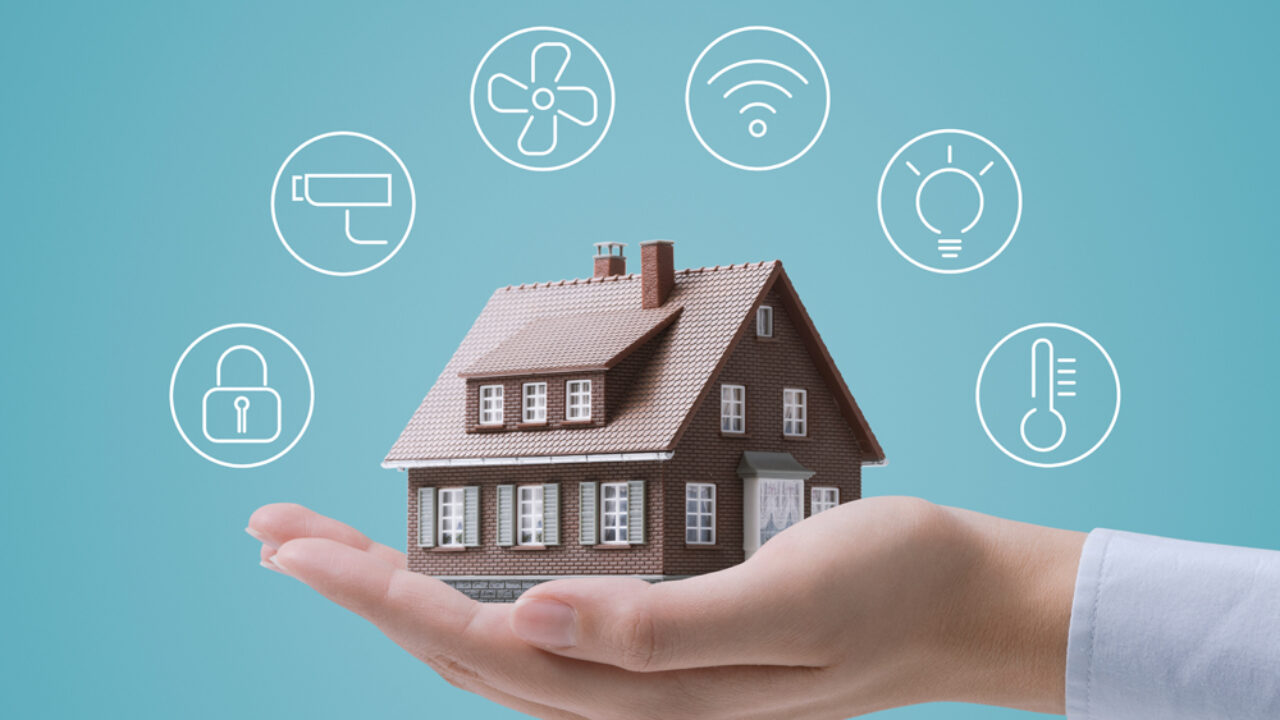
Credit: www.hellotech.com
Final Tips
- Start small and build over time.
- Keep your home network secure.
- Read device instructions carefully.
- Enjoy making life easier and safer.
Setting up a smart home is a fun journey. Take your time. Try new things. Soon, your home will feel modern and comfortable.
Frequently Asked Questions
What Is A Smart Home And How Does It Work?
A smart home uses devices that connect to the internet. These devices can be controlled remotely. They make everyday tasks easier and save energy.
Which Devices Are Best For Beginners In Smart Homes?
Start with smart lights, plugs, and voice assistants. These are easy to install and use. They help you learn about smart home technology.
How Do I Connect Smart Devices To My Home Wi-fi?
Most devices have simple setup apps for Wi-Fi connection. Follow the app instructions to link them to your network. Ensure your Wi-Fi is stable for smooth operation.
Can I Control Smart Home Devices With My Phone?
Yes, phones are the main control tools for smart devices. You can turn devices on or off, set schedules, and monitor status. This adds convenience and control from anywhere.