

Building a new house is exciting. Adding smart home devices makes it even better. But where do you start? This checklist helps you plan smart home installation step by step. It is easy to follow. Even if you do not know much about technology, this guide will help.
Why Install Smart Home Devices?
Smart homes make life easier and safer. You can control lights, locks, and temperature from your phone. This saves energy and time. Smart homes also make your house safer with alarms and cameras.
Plan Your Smart Home Before Installation
Planning is the first step. Think about what devices you want. Look at your budget. Decide what rooms need smart devices. Write down your ideas. This saves money and time later.
Smart Home Installation Checklist
Use this list to check your smart home setup. It covers all main parts of a smart home system.
1. Check Your Internet Connection
- Good Wi-Fi is very important.
- Test your internet speed in all rooms.
- Consider a Wi-Fi booster if signal is weak.
- Choose a reliable internet provider.
2. Choose A Smart Home Hub
A smart hub connects your devices. It helps them work together. Some popular hubs are:
- Amazon Echo
- Google Nest Hub
- Apple HomePod
Pick one that fits your needs and budget.
3. Install Smart Lighting
Smart lights save energy and give comfort.
- Use smart bulbs or smart switches.
- Choose lights with dimming options.
- Control lights by app or voice.
- Plan lights for living room, kitchen, and bedrooms.
4. Set Up Smart Thermostats
Smart thermostats control your home temperature.
- They save energy by adjusting heating and cooling.
- Choose models compatible with your heating system.
- Place thermostat in a central location.
- Use app control for easy changes.
5. Install Smart Security Devices
Keep your home safe with smart security.
- Smart cameras to watch inside and outside.
- Smart door locks for keyless entry.
- Motion sensors to detect movement.
- Alarms that notify you on your phone.
6. Add Smart Sensors For Safety
Smart sensors help protect your home.
- Smoke detectors that alert you anywhere.
- Carbon monoxide sensors for gas leaks.
- Water leak sensors to stop flooding.
7. Set Up Smart Appliances
Smart appliances make daily tasks easier.
- Smart refrigerators that track food.
- Smart ovens you control with your phone.
- Robot vacuums to clean floors automatically.
- Smart washers and dryers for laundry.
8. Plan Smart Entertainment
Smart entertainment improves your home fun.
- Smart TVs with voice control.
- Smart speakers for music everywhere.
- Streaming devices for easy access to shows.
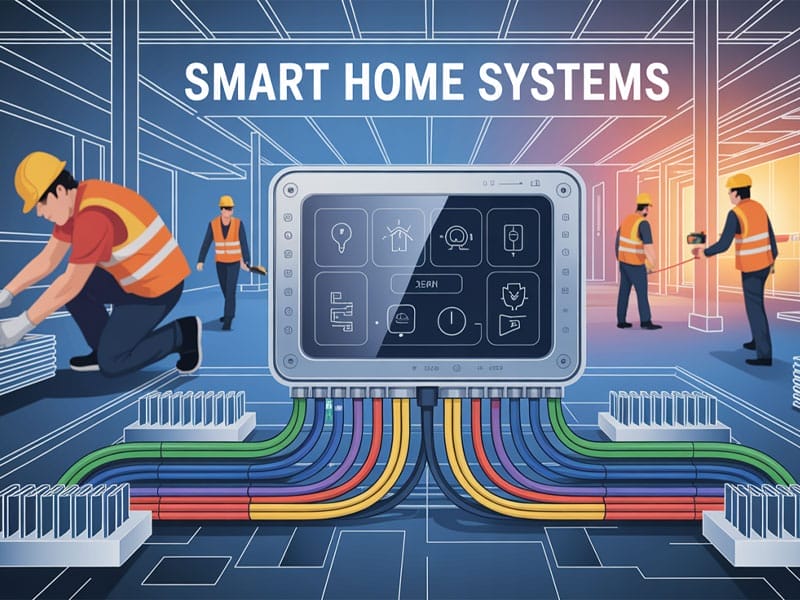
9. Organize Power And Wiring
Good wiring is the base of smart homes.
- Plan outlets for all smart devices.
- Use surge protectors to protect devices.
- Keep wires neat and safe.
- Label cables to avoid confusion later.
10. Set Up Automation Rules
Automation makes your home smarter.
- Make lights turn on at sunset.
- Set thermostat to save energy when away.
- Lock doors automatically at night.
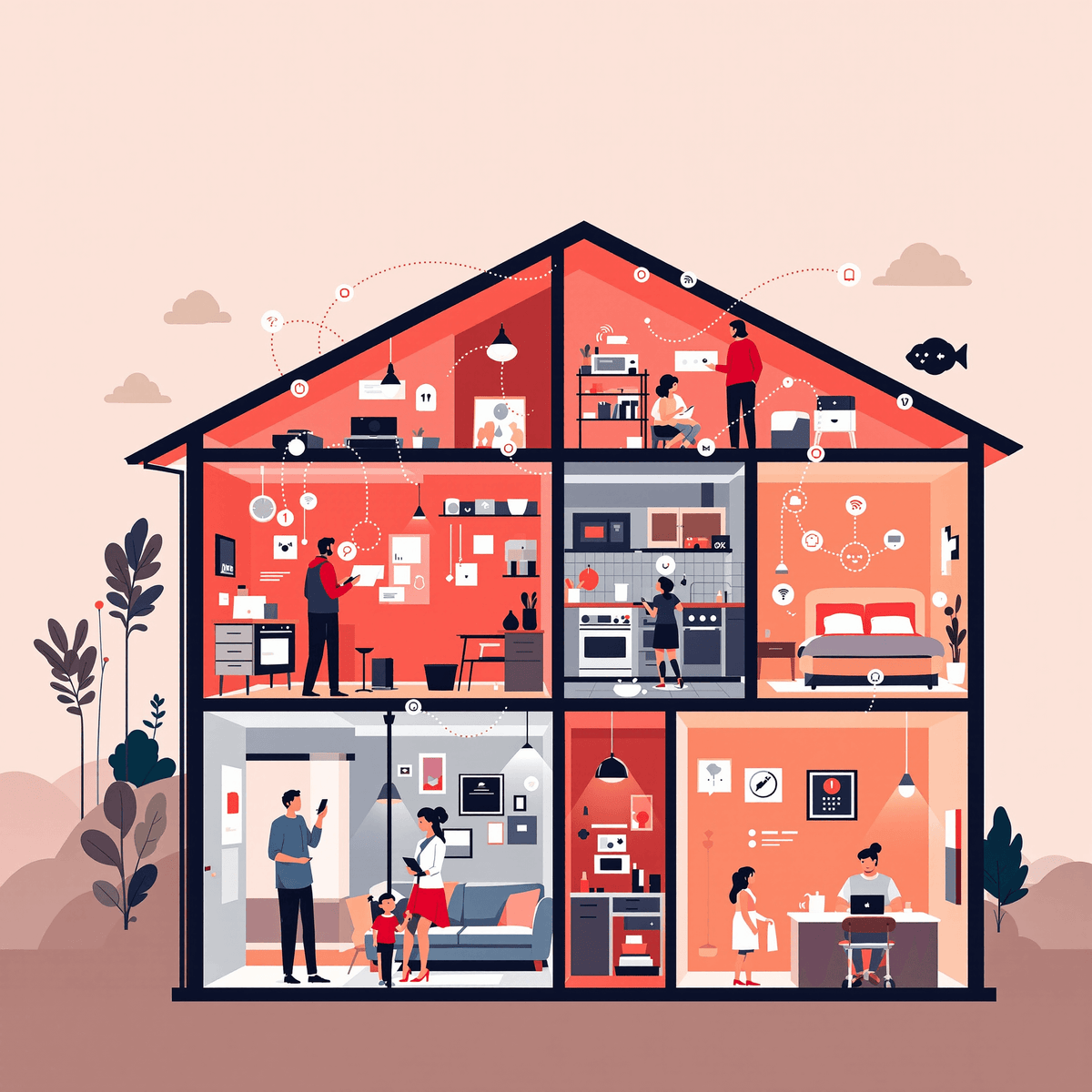
- Use your hub app to create these rules.
Credit: www.vesternet.com
Tips for a Smooth Smart Home Setup
- Start small. Add devices step by step.
- Check device compatibility before buying.
- Keep passwords safe and change default ones.
- Update device software regularly.
- Ask for professional help if needed.
Credit: newcenturysalesinc.com
Example Smart Home Setup Table
| Room | Smart Devices | Purpose |
|---|---|---|
| Living Room | Smart lights, smart TV, smart speaker | Comfort and entertainment |
| Kitchen | Smart fridge, smart oven, smart lights | Convenience and energy saving |
| Bedroom | Smart lights, smart thermostat, smart locks | Comfort and security |
| Entrance | Smart door lock, security camera, motion sensor | Safety and access control |
Final Thoughts
Smart homes are not just for big cities. Anyone can have one. Planning is key. Use this checklist to build your smart home step by step. Take your time. Choose devices that fit your needs. Enjoy your new smart home and the comfort it brings.
Frequently Asked Questions
What Are The Must-have Smart Devices For New Homes?
Smart thermostats, security cameras, smart lights, and voice assistants are essential. These devices improve comfort, security, and energy savings in new houses.
How Do I Plan Smart Home Wiring During Construction?
Plan wiring routes for power and network cables early. Use conduits to allow easy upgrades without wall damage later.
Can I Install Smart Devices Without Professional Help?
Many devices are designed for easy DIY installation. Complex systems like security or HVAC may require professional setup for best results.
What Smart Home Features Boost Energy Efficiency?
Smart thermostats, automated lighting, and energy monitors reduce waste. They help lower utility bills and support a greener lifestyle.