

Smart kitchen devices are becoming common in many homes. From smart ovens to refrigerators, they help make cooking easier. But sometimes, these devices need updates. These are called firmware updates. This article explains what firmware updates are. It also tells why they are important and how to do them simply.
What Is Firmware?
Firmware is a special kind of software. It is built inside smart kitchen devices. It controls how the device works. Think of it as the device’s brain. It tells the device what to do.
For example, a smart oven uses firmware to control temperature. It also manages cooking time and other settings. Without firmware, the oven cannot work properly.
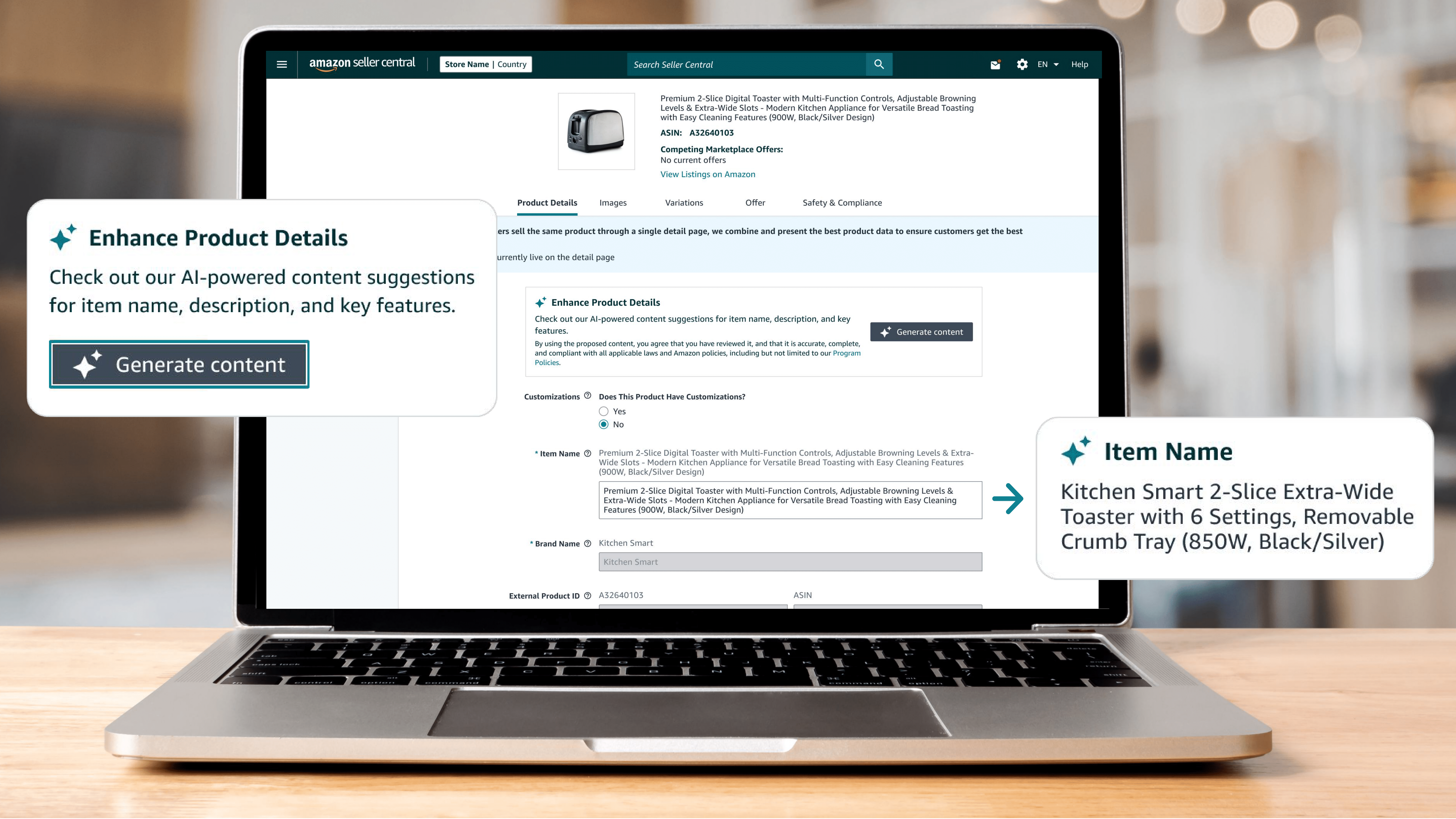
Credit: www.aboutamazon.com

Credit: www.pcmag.com
What Are Firmware Updates?
Firmware updates are small changes or improvements sent to the device. These updates come from the device maker. They help fix problems or add new features. Updates can improve the device’s safety and performance.
Imagine your smart fridge had a small mistake in its software. This mistake might make the fridge too cold sometimes. The company can send a firmware update to fix this mistake. After updating, the fridge works better.
Why Do Smart Kitchen Devices Need Firmware Updates?
- Fix Bugs: Sometimes devices have small errors or bugs. Updates fix these bugs.
- Improve Security: Updates protect devices from hackers or viruses.
- Add New Features: Updates can add new functions to your device.
- Enhance Performance: Updates make devices faster and more reliable.
- Keep Devices Compatible: Updates help devices work well with other smart devices.
How to Know if Your Smart Kitchen Device Needs an Update
Many smart devices tell you when an update is ready. You might see a message on the device screen or in the app. Sometimes, you get a notification on your phone.
If you do not see any message, check the device’s app. Usually, there is a section called “Settings” or “About.” You can check for updates there.
How to Update Your Smart Kitchen Device
Updating a smart kitchen device is often simple. Here are easy steps to follow:
- Connect to Wi-Fi: Make sure your device is connected to the internet.
- Open the Device App: Use the app on your phone or tablet.
- Find Update Option: Go to “Settings” or “Device Info.”
- Check for Updates: Click “Check for Updates” or similar button.
- Start Update: If an update is available, click “Update Now.”
- Wait: Let the device install the update. Do not turn it off.
- Restart: Some devices restart automatically after updating.
Always read instructions from the device maker. Some updates may take time. Do not unplug the device during update. This can cause problems.
What Happens During a Firmware Update?
When you start an update, the device downloads new software. This software replaces the old version inside the device. The device then restarts to use the new software.
During this time, the device may not work. This is normal. Do not try to use it until the update finishes.
Can Firmware Updates Cause Problems?
Sometimes, updates may cause issues. This is rare but possible. Problems can happen if the update is interrupted. For example, if the power goes off during update.
To avoid problems:
- Make sure the device has enough power.
- Do not unplug the device during update.
- Use a stable Wi-Fi connection.
If something goes wrong, contact the device maker’s support. They can help fix the problem.
Benefits of Keeping Firmware Updated
| Benefit | Explanation |
|---|---|
| Better Safety | Updates fix security holes and protect your device. |
| Improved Performance | Devices work faster and smoother with updates. |
| New Features | Add useful functions you did not have before. |
| Longer Device Life | Regular updates keep devices working longer. |
| Better Compatibility | Devices stay compatible with other smart home tools. |
Do All Smart Kitchen Devices Need Firmware Updates?
Not all smart kitchen devices update the same way. Some update automatically. Others need manual updates.
Older devices may not get updates at all. This means they might stop working well in the future. Newer devices usually get updates often.
Tips for Managing Firmware Updates
- Check updates regularly, at least once a month.
- Keep your device connected to Wi-Fi most of the time.
- Read update notes to know what changes are coming.
- Backup important settings or data if possible.
- Follow all update instructions carefully.
Frequently Asked Questions
What Is A Smart Kitchen Firmware Update?
A firmware update is new software for your smart kitchen device. It improves device performance and fixes bugs.
How Often Should Smart Kitchen Devices Update Firmware?
Most devices update firmware every few months. Check your device settings for update frequency.
Can Firmware Updates Improve Smart Kitchen Security?
Yes, updates fix security issues and protect your device from hacks. Keeping firmware current is key.
Do Firmware Updates Add New Features To Smart Kitchens?
Sometimes updates include new features or improve existing ones. This keeps your kitchen tech up-to-date.
Conclusion
Firmware updates are important for smart kitchen devices. They fix bugs, improve security, and add features. Updating is simple and helps your device work better. Always check for updates and install them safely. This keeps your smart kitchen running smoothly and safely.
Remember, a small update can make a big difference. Keep your smart kitchen devices fresh and ready to help you cook well.