

Imagine cooking without touching anything. You just say what you want. The lights turn on. The oven heats up. The timer starts. This is possible with smart kitchen voice control.
This article will help you set up voice control in your kitchen. You will learn simple steps to make your kitchen smart. No hard words. Just easy instructions.
What Is Smart Kitchen Voice Control?
Smart kitchen voice control lets you use your voice to control kitchen devices. You speak commands. The devices listen and act. For example, say “Turn on the lights.” The lights will turn on.
Many kitchen tools can connect to voice control. Some examples:
- Smart lights
- Smart oven
- Smart coffee maker
- Smart speaker
- Smart plugs
With voice control, you can cook and keep your hands free. It is useful when your hands are dirty or full.
What Do You Need for Smart Kitchen Voice Control?
Before setup, you need some things:
- A smart speaker or smart display (like Amazon Echo or Google Nest)
- Smart kitchen devices (smart oven, lights, plugs)
- A smartphone or tablet with internet
- Home Wi-Fi network
You may already have some devices at home. If not, simple smart plugs work well to start.
Step 1: Choose Your Voice Assistant
First, pick a voice assistant. Popular ones are:
- Amazon Alexa
- Google Assistant
- Apple Siri
Pick one that fits your devices and language. Alexa and Google Assistant are common and easy.
Step 2: Set Up Your Smart Speaker
Plug in your smart speaker. Turn it on. Open the app on your phone:
- Amazon Alexa app for Echo devices
- Google Home app for Google devices
Follow the app steps to connect the speaker to your Wi-Fi. This is important. The speaker needs internet to work.
When setup finishes, test the speaker. Say “Hello” or “Hey Alexa.” The speaker should answer.
Step 3: Connect Your Smart Kitchen Devices
Next, connect your kitchen devices to the voice assistant. Each device has its own app. For example:
- Smart lights use Philips Hue app
- Smart plugs use TP-Link Kasa app
Open the device app. Follow steps to connect to your Wi-Fi. Then link it to your voice assistant app.
In the Alexa or Google Home app, find “Add Device.” Choose your device type and brand. The app will find your devices. Select them to connect.
Step 4: Organize Your Devices
Organize devices in the app for easy control. You can group devices by room. For example, name your group “Kitchen.”
This way, you can say “Turn off kitchen lights.” The system knows which lights to control.
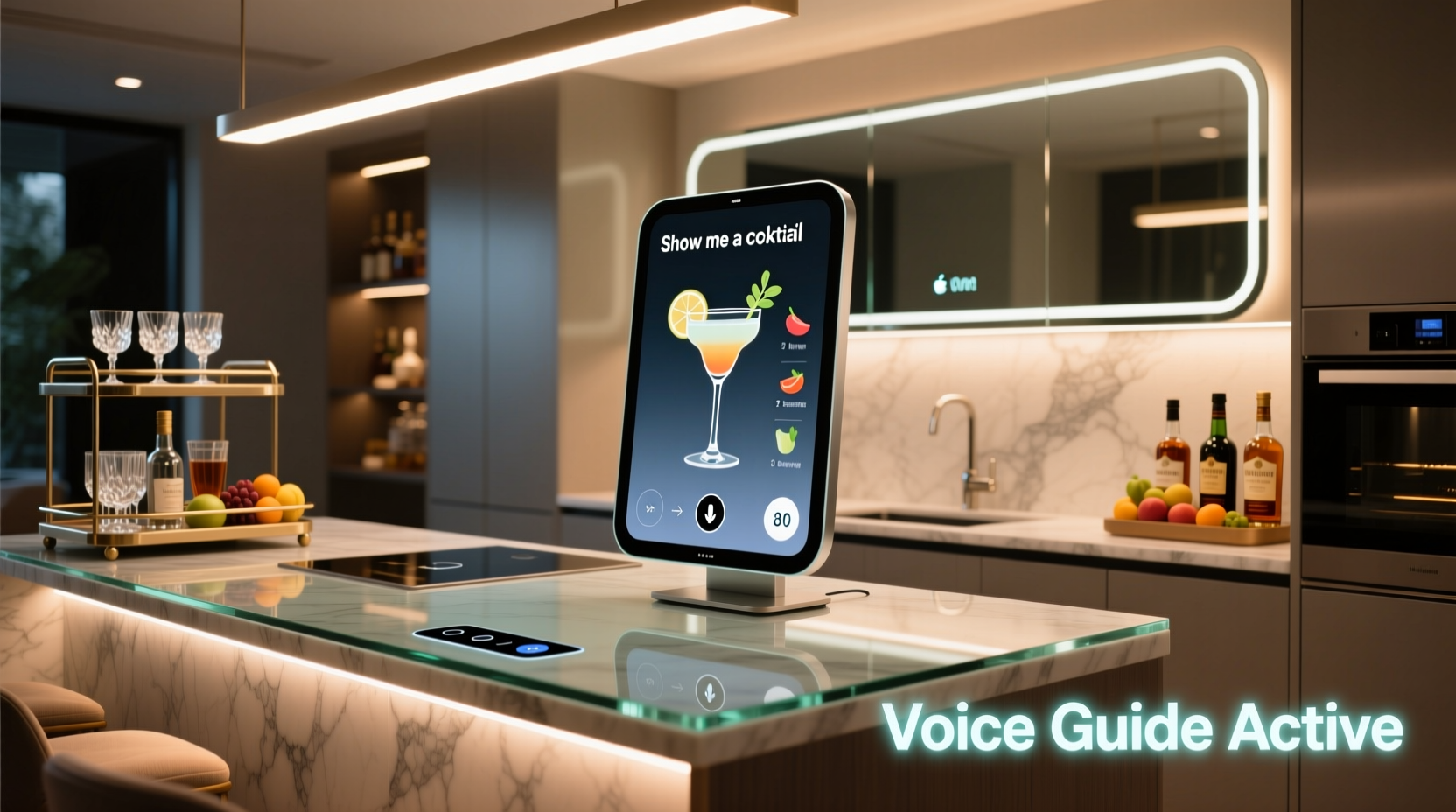
Step 5: Try Voice Commands
Now, try simple commands. Here are some examples:
| Command | What It Does |
|---|---|
| “Turn on kitchen lights” | Lights in kitchen turn on |
| “Set oven to 350 degrees” | Oven heats to 350°F |
| “Start timer for 10 minutes” | Timer starts for 10 minutes |
| “Make coffee” | Smart coffee maker starts |
| “What’s the weather today?” | Speaker tells weather forecast |
Speak clearly. Use the exact device names you set in the app.
Credit: www.alibaba.com
Tips for Better Voice Control Experience
- Place your smart speaker in the kitchen where you cook.
- Keep your Wi-Fi strong and stable.
- Use simple and short commands.
- Give devices easy names, like “oven” or “kitchen light.”
- Practice commands often to get used to it.
Common Smart Kitchen Devices You Can Control
Here is a list of devices you can add to your smart kitchen setup:
| Device | Function | Voice Control Example |
|---|---|---|
| Smart Lights | Turn on/off, dim, change color | “Turn on kitchen lights” |
| Smart Oven | Set temperature, start cooking | “Preheat oven to 375 degrees” |
| Smart Coffee Maker | Start brewing coffee | “Make coffee” |
| Smart Plugs | Control regular devices | “Turn on blender” |
| Smart Timer | Set timers for cooking | “Set timer for 5 minutes” |
How Voice Control Helps in the Kitchen
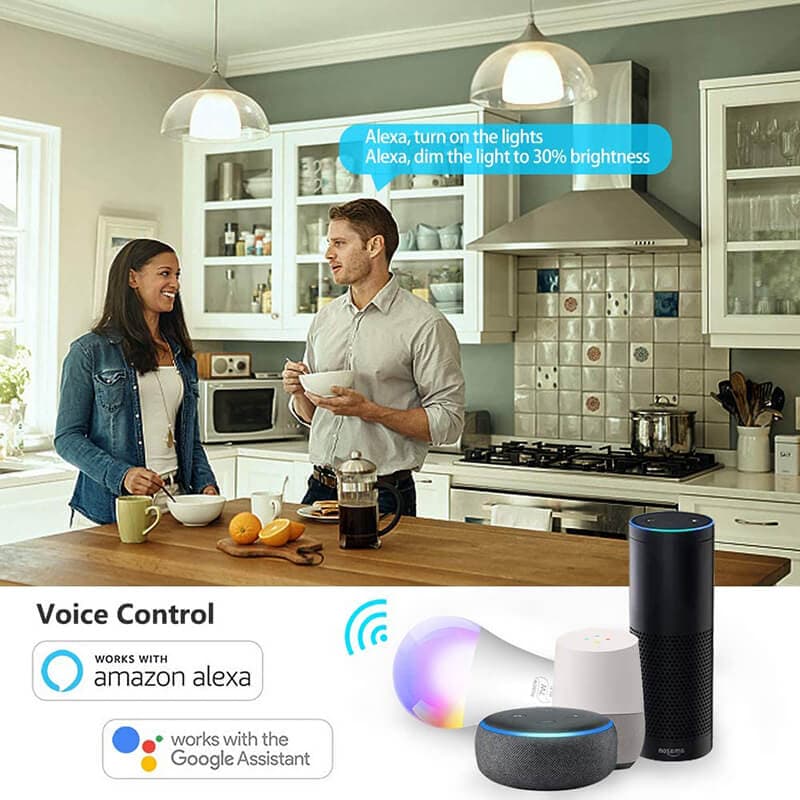
Voice control makes cooking easier. You don’t need to stop what you are doing. Your hands can be busy or dirty. You just speak. The devices listen and work.
It helps you save time. It also helps you cook more safely. For example, you can turn off the oven by voice if you are far from it.
It is also fun to use. It feels like having a helper in the kitchen.
Credit: onesmartlighting.net
Common Problems and How to Fix Them
Sometimes, voice control may not work well. Here are some tips to fix common problems:
- Device not found: Check if device is on and connected to Wi-Fi.
- Voice not recognized: Speak clearly and closer to the speaker.
- Command not working: Use correct device names and simple words.
- Wi-Fi issues: Restart your router or move speaker closer to Wi-Fi.
Final Thoughts
Setting up smart kitchen voice control is easy and helpful. You only need a few devices and a good internet connection. Follow the steps carefully and test your setup.
Enjoy cooking with voice commands. It makes your kitchen smarter and your work easier. Start small and add more smart devices when you want.
Try it today and see how voice control can help you in the kitchen.
Frequently Asked Questions
What Devices Work Best For Smart Kitchen Voice Control?
Most smart speakers like Amazon Echo and Google Nest work well. They connect easily to kitchen gadgets for voice commands.
How Do I Connect My Smart Speaker To Kitchen Appliances?
Use the appliance’s app or smart home app to link devices. Follow simple setup steps to enable voice control.
Can Voice Control Manage Multiple Kitchen Devices At Once?
Yes, voice assistants can control many devices simultaneously. Just name each device clearly for easy commands.
Is Voice Control Safe To Use In The Kitchen?
Voice control is safe and hands-free, reducing accidents. Keep devices away from water and heat for safety.