

Smart home systems are becoming popular in many houses. They help people control things like lights, locks, and heaters. But how do these systems work? Let’s explain step by step in a simple way.
What Is a Smart Home System?
A smart home system is a group of devices connected to the internet. These devices can talk to each other and to you. You can control them using your phone or voice. This makes your life easier and safer.
Step 1: The Smart Devices
The first part of a smart home system is the devices. These are things like smart bulbs, cameras, speakers, and locks. Each device has a small computer inside. This lets it connect to the internet and other devices.
Common smart devices include:
- Smart lights that turn on and off with a phone.
- Smart thermostats that control room temperature.
- Smart cameras that watch your home.
- Smart door locks you can open remotely.
- Smart speakers that listen to your voice commands.
Step 2: The Central Hub or Controller
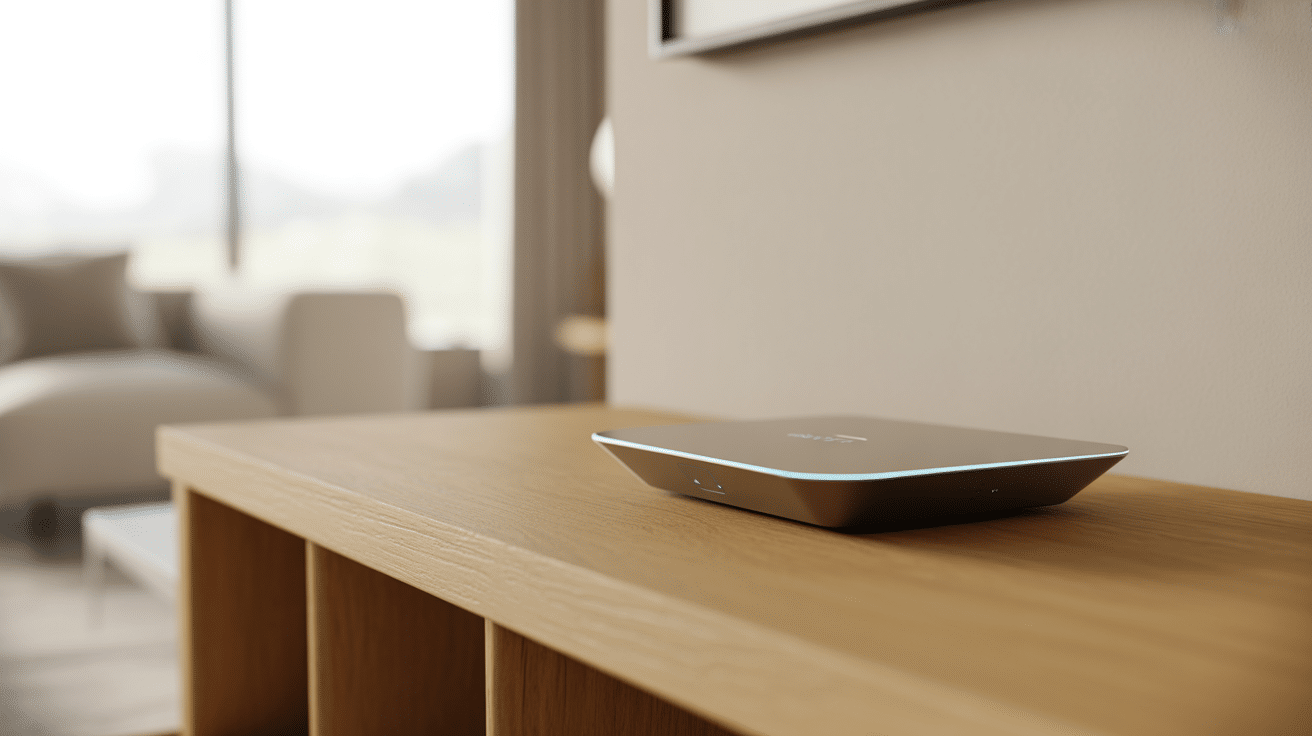
Many smart homes have a central hub. This device is the “brain” of the system. It connects all smart devices and helps them work together. Some smart homes use a phone app instead of a hub.
Hubs often use wireless signals like Wi-Fi or Bluetooth. They send and receive messages to control devices. For example, the hub tells a light when to switch on.
Step 3: Connecting to the Internet
Smart home systems need internet to work well. The internet lets you control devices from anywhere. When you use your phone, it sends commands through the internet to your home.
The devices also use the internet to get updates. These updates help fix problems and add new features. Without internet, many smart home features may not work.
Credit: boomset.com
Step 4: User Commands
You can control smart devices in two main ways:
- Using a smartphone app: Apps show you a list of devices. You tap buttons to turn things on or off.
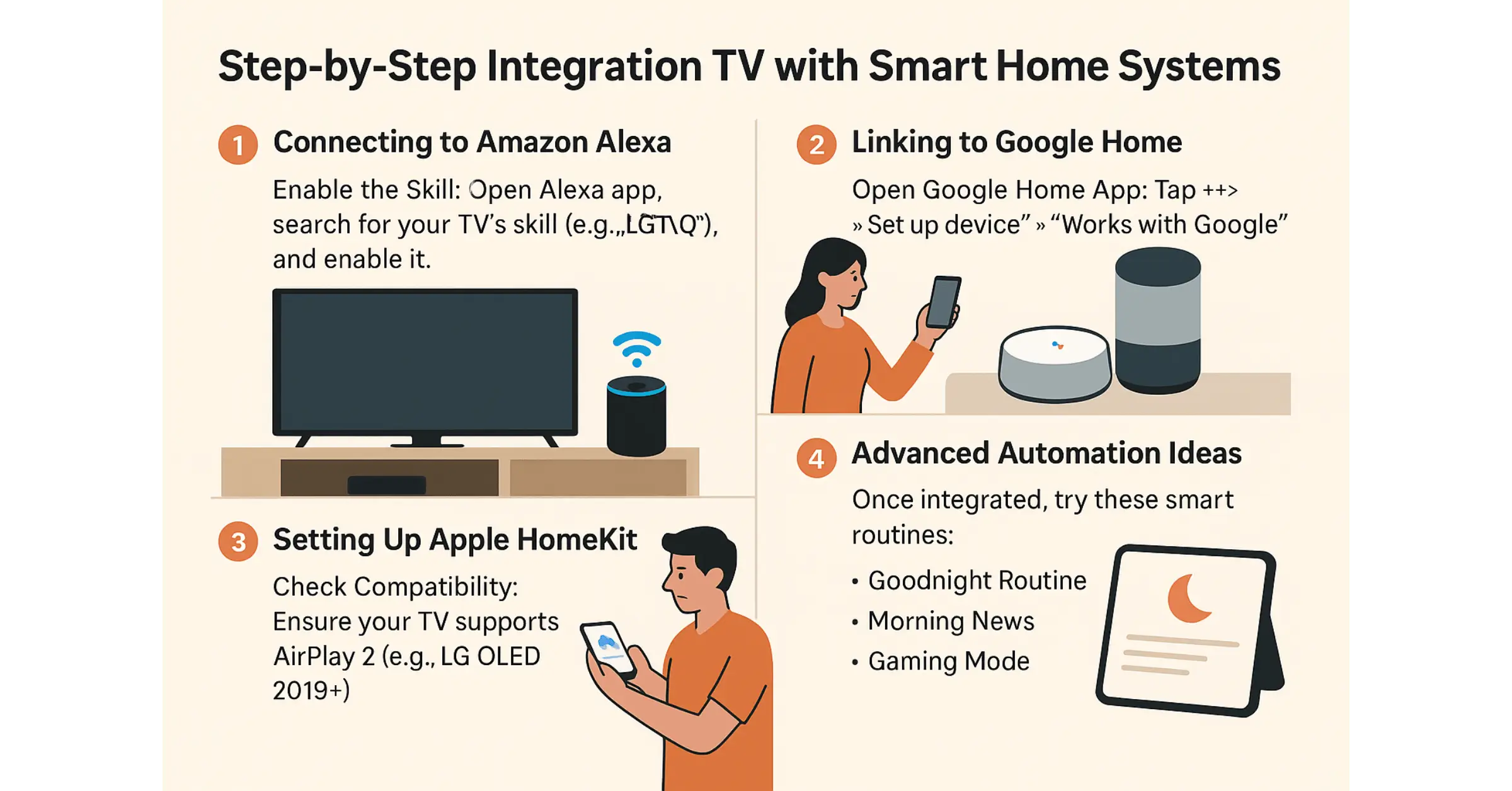
- Using voice commands: Smart speakers like Alexa or Google Home listen to your voice. You say commands like “Turn on the light.”
When you give a command, it goes to the hub or directly to the device. Then the device does what you asked.
Step 5: Automation and Scheduling
Smart home systems can do more than just follow your commands. They can work automatically. You can set schedules for devices to turn on or off. For example:
- Lights turn on at sunset.
- Thermostat lowers temperature at night.
- Security cameras start recording when you leave.
This automation saves energy and adds comfort.
Step 6: Sensors and Feedback
Many smart homes use sensors. These sensors collect information about your home. For example:
- Motion sensors detect movement.
- Temperature sensors measure heat.
- Light sensors check how bright it is.
- Door/window sensors tell if they are open or closed.
The sensors send data to the hub. The system then decides what to do. For example, if a motion sensor detects movement, the lights can turn on automatically.
Step 7: Security and Privacy
Security is very important in smart homes. The system uses passwords and encryption to keep your data safe. Encryption means your information is hidden from others.
Also, you can control who can use your smart home. Some systems let you add family members or friends. Only people you trust can control your devices.
Credit: userlyf.com
Step 8: Integration with Other Systems
Smart home systems can work with other smart services. For example, they can connect with weather apps. If the weather says it will rain, the smart system may close windows or turn on the heater.
They can also connect with smart cars or fitness devices. This way, your home can learn your habits and adjust itself.
Step 9: Troubleshooting and Maintenance
Sometimes smart devices stop working. This can happen if the internet is slow or devices lose power. The system usually shows alerts in the app.
You may need to restart devices or update software. Regular updates keep your smart home running smoothly and safely.
Example: How a Smart Light Works
| Step | What Happens |
|---|---|
| 1 | You open your phone app and press “Turn on living room light.” |
| 2 | The app sends a command to the smart hub over Wi-Fi. |
| 3 | The hub sends a wireless signal to the light bulb. |
| 4 | The smart bulb receives the signal and turns the light on. |
| 5 | The bulb sends a message back to the hub to confirm it is on. |
| 6 | The hub updates the app so you see the light is on. |
Benefits of Smart Home Systems
Smart home systems have many benefits:
- Convenience: Control your home from anywhere.
- Energy savings: Use devices only when needed.
- Security: Monitor your home and get alerts.
- Comfort: Automate temperature and lighting.
- Accessibility: Help people with disabilities control their home easily.
Frequently Asked Questions
How Do Smart Home Systems Connect Devices?
Smart home systems use Wi-Fi, Bluetooth, or Zigbee to link devices. This allows them to communicate and work together seamlessly.
What Is The Role Of A Smart Home Hub?
A smart home hub acts as the central controller for all connected devices. It processes commands and keeps everything running smoothly.
Can Smart Home Systems Work Without The Internet?
Yes, many smart devices still work locally without internet. But remote control and updates need an internet connection.
How Do Smart Home Systems Improve Energy Efficiency?
They monitor energy use and adjust settings automatically. This helps save power and reduce utility bills.
Conclusion
Smart home systems work by connecting devices through a central hub. The internet lets you control these devices remotely. Sensors help the system make smart choices. Automation saves time and energy. Security keeps your home safe. All these parts work together step by step.
With this simple explanation, you now know how smart homes work. They are not just technology, but tools to make life easier and better.