

Cooking can be fun, but sometimes it is hard to get food just right. Smart ovens help with this problem. They use sensors to cook food automatically. This means the oven can change cooking time and temperature without you doing much work.
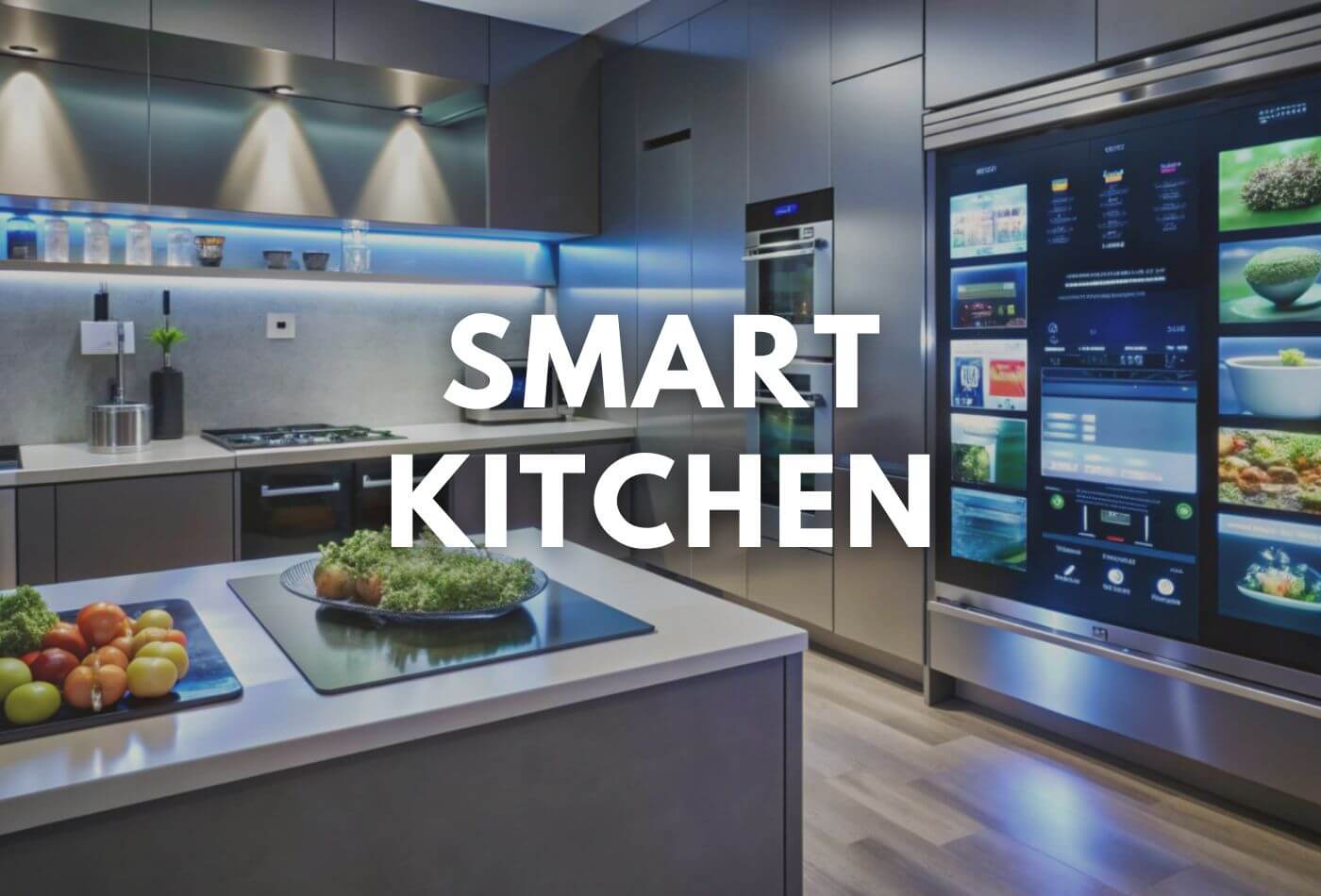
Credit: www.work-tops.com
What Is a Smart Oven?
A smart oven is a kitchen device that cooks food using advanced technology. It connects to the internet or uses special tools inside it. This helps the oven understand what food is inside and how to cook it best.
Unlike regular ovens, smart ovens can adjust settings on their own. They can make food softer, crispier, or just perfect. This helps people cook better meals without much effort.
What Are Sensors?
Sensors are small tools inside the smart oven. They can feel or detect things. For example, they can measure temperature, humidity, or weight. Sensors send this information to the oven’s brain.
With this data, the oven decides what to do next. It can change heat or cooking time. Sensors make cooking easier and safer.
Types of Sensors in Smart Ovens
Smart ovens use different sensors to cook food well. Here are some common types:
- Temperature Sensors: These measure the heat inside the oven or food.
- Humidity Sensors: These check how much moisture is in the oven.
- Weight Sensors: These tell the oven how heavy the food is.
- Smoke Sensors: These detect if food is burning or smoking.
- Optical Sensors: These look at the food’s color or size.
How Sensors Help Cook Food
Sensors give smart ovens important information. This helps the oven cook food just right. Here is how sensors work during cooking:
- Check Food Temperature: Sensors know when the food is hot enough.
- Adjust Heat: The oven changes temperature to cook food well.
- Control Cooking Time: Sensors tell the oven when to stop cooking.
- Manage Humidity: This helps keep food moist or crispy.
- Prevent Overcooking: Sensors stop the oven if food is burning.
Because of sensors, smart ovens can cook many types of food perfectly.
Examples of Cooking Automation
Cooking automation means the oven does most of the work. You do not need to watch the oven all the time. Here are some ways smart ovens use sensors to automate cooking:
- Roasting Meat: Temperature sensors check inside the meat. The oven adjusts heat to cook it tender.
- Baking Bread: Humidity sensors keep the air just right. This helps bread rise and bake well.
- Reheating Food: Weight sensors know how much food is inside. The oven uses this to set time and heat.
- Air Frying: Sensors monitor temperature and humidity. This creates crispy food without much oil.
Benefits of Using Sensors in Smart Ovens
Smart ovens with sensors offer many good things:
| Benefit | Explanation |
|---|---|
| Easy Cooking | The oven adjusts settings automatically for you. |
| Better Food Quality | Food is cooked evenly and tastes better. |
| Time Saving | You do not need to watch the food all the time. |
| Energy Efficient | The oven uses the right heat and time, saving energy. |
| Less Food Waste | Food is less likely to burn or stay raw. |
How Smart Ovens Learn from Sensors
Smart ovens use sensors to learn about your cooking habits. Over time, they can suggest better ways to cook. Some ovens connect to your phone. You can see cooking progress and get advice.
Ovens may also update their software. This helps them cook new recipes better. Sensors help ovens become smarter every day.
Using a Smart Oven with Sensors
To use a smart oven, you often need to follow simple steps:
- Place your food inside the oven.
- Choose the type of food or recipe on the oven panel.
- The sensors start working and measure the food.
- The oven cooks automatically based on sensor data.
- You get a notification when food is ready.
This process makes cooking easier, especially for beginners.

Credit: www.bestbuy.com
Common Sensor Problems and Solutions
Sensors sometimes may not work well. Here are some common issues and solutions:
| Problem | Solution |
|---|---|
| Sensor Not Detecting Food | Check if food is placed correctly. Clean the sensor area. |
| Wrong Temperature Reading | Reset the oven. If problem continues, call support. |
| Oven Stops Cooking Too Soon | Make sure sensors are not blocked. Try recalibrating the oven. |
| Wi-Fi Connection Problems | Check your internet. Restart the oven and router. |
Future of Smart Ovens and Sensors
Smart ovens will keep getting better. Sensors will become more accurate and faster. They will learn more about food types and cooking styles.
We may see ovens that talk to other kitchen devices. For example, a smart fridge could tell the oven what food is inside. This will make cooking even simpler.
Frequently Asked Questions
How Do Sensors Improve Cooking In Smart Ovens?
Sensors monitor temperature and humidity to cook food evenly. They adjust heat and time automatically for better results.
What Types Of Sensors Are Used In Smart Ovens?
Smart ovens use temperature, humidity, and infrared sensors. These sensors track cooking conditions inside the oven.
Can Smart Ovens Detect Food Doneness Automatically?
Yes, sensors check moisture and heat to know when food is done. This helps avoid overcooking or undercooking.
How Do Smart Ovens Adjust Cooking Time With Sensors?
Sensors send real-time data to the oven’s control system. The oven changes cooking time based on food status.
Conclusion
Smart ovens use sensors to cook food automatically. Sensors measure heat, moisture, weight, and more. This helps ovens adjust settings for perfect cooking.
Cooking becomes easier and more fun with smart ovens. They save time and reduce mistakes. With sensor technology, your food can taste better every time.
Smart ovens are a helpful tool for many kitchens. They bring technology to everyday cooking in a simple way.