

Setting up a smart home can seem hard. But it is easier than you think. You can make your home smart step by step. This guide will help you start. You will learn simple ways to add smart devices. You don’t need to be a tech expert.

Credit: us.aqara.com
What Is a Smart Home?
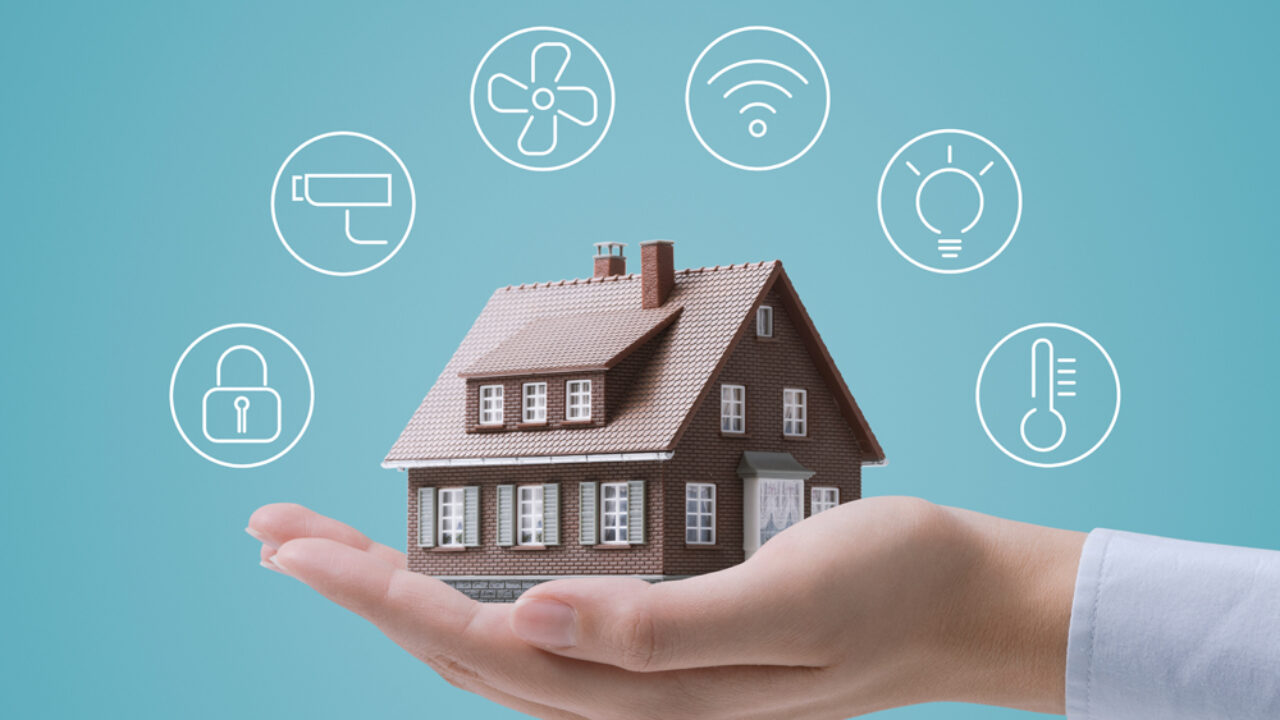
A smart home has devices that connect to the internet. These devices can talk to each other. You can control them with your phone or voice. For example, you can turn on lights with a tap. Or ask your speaker to play music. Smart homes make life easier and more fun.
Why Should You Set Up a Smart Home?
- Comfort: Control your home from anywhere.
- Save Energy: Smart devices use less power.
- Safety: Monitor your home with cameras and alarms.
- Convenience: Do many tasks without moving.
Step 1: Check Your Internet Connection
Your smart home needs a good internet connection. Most devices use Wi-Fi to work. Check if your Wi-Fi is strong in your home. If the signal is weak, some devices may not work well. You can buy a Wi-Fi extender to help.
Step 2: Choose a Smart Home Hub
A smart home hub is like the brain of your smart home. It connects many devices and helps them work together. Some popular hubs are Amazon Echo, Google Nest Hub, and Apple HomePod.
If you want to use voice commands, pick a hub with a voice assistant. These assistants answer questions and control devices with your voice.
Step 3: Pick Your First Smart Device
Start with one device. It is better to add devices slowly. Here are some easy devices for beginners:
| Device | What It Does | Why Choose It First |
|---|---|---|
| Smart Light Bulbs | Turn lights on/off or change colors. | Easy to install and use. |
| Smart Plugs | Control any device plugged into it. | Works with many appliances. |
| Smart Speaker | Play music and control devices by voice. | Good for hands-free control. |
Step 4: Install Your Device
Follow the instructions that come with your device. Usually, you need to:
- Plug in or install the device.
- Download the device’s app on your phone.
- Create an account or sign in.
- Connect the device to your Wi-Fi.
- Sync the device with your smart home hub.
Take your time. Don’t rush. If you get stuck, look for help online or ask a friend.
Step 5: Learn to Use Your Device
Try the basic features first. For example, turn a smart light bulb on and off. Change its brightness or color. If you have a smart speaker, try asking simple questions. Practice voice commands slowly.
When you feel ready, try more features. Explore what your device can do. This way, you don’t feel overwhelmed.
Step 6: Add More Devices Over Time
Once you know how one device works, add another. Here are some devices to consider next:
- Smart Thermostat: Control your home’s temperature.
- Smart Security Cameras: Watch your home remotely.
- Smart Door Locks: Lock or unlock doors with your phone.
- Smart Sensors: Detect motion, water leaks, or smoke.
Add devices slowly. Make sure each one works well before adding the next.
Step 7: Create Routines and Automations
Routines are actions your smart home does automatically. For example:
- Turn on lights at sunset.
- Set thermostat to warm in the morning.
- Turn off all devices when you leave home.
You can set these routines in your smart home app. Automations save time and energy.
Credit: www.hellotech.com
Tips for a Smooth Smart Home Experience
- Keep Your Devices Updated: Update apps and devices regularly.
- Use Strong Passwords: Protect your smart home from hackers.
- Label Your Devices: Name devices clearly in your app.
- Test Voice Commands: Speak slowly and clearly.
- Start Small: Don’t buy many devices at once.
Common Mistakes to Avoid
- Buying devices that don’t work with your hub.
- Ignoring Wi-Fi strength and speed.
- Forgetting to secure your smart home with passwords.
- Trying to do everything at once.
How Much Does a Smart Home Cost?
Smart home devices come in many prices. You can start with low-cost items like smart plugs. Then add more expensive devices later.
| Device | Approximate Price |
|---|---|
| Smart Light Bulb | $10 – $30 |
| Smart Plug | $15 – $40 |
| Smart Speaker | $50 – $150 |
| Smart Thermostat | $100 – $250 |
| Smart Security Camera | $50 – $200 |
Plan your budget. Buy devices you really need first. You can expand later as you learn more.
Final Thoughts
Setting up a smart home is a fun project. It helps make your home safer and easier to live in. Start with small steps. Use simple devices. Learn how to control them well.
Remember, you don’t have to do everything at once. Take your time. Add more devices when you feel ready. Soon, you will enjoy the benefits of a smart home.
Frequently Asked Questions
What Is A Smart Home And How Does It Work?
A smart home uses devices connected to the internet for automation. These devices can be controlled remotely via apps or voice commands.
Which Smart Devices Are Best For Beginners?
Start with smart lights, plugs, and a voice assistant. These are easy to install and use for beginners.
How Do I Connect Smart Devices To Wi-fi?
Most devices have a setup app that guides you through connection. Simply follow the app instructions to link devices to your Wi-Fi.
Can Smart Home Systems Save Energy And Money?
Yes, smart thermostats and lights reduce energy use by adjusting automatically. This helps lower your electricity bills over time.