

Smart homes are becoming more common these days. Many people want to control their lights, fans, and other devices by voice. It feels easy and fun. But how do you set up voice control at home? This tutorial will guide you step by step.
What Is Smart Home Voice Control?
Smart home voice control means using your voice to control devices. You can turn on lights, play music, or set the temperature with just a few words. Devices like Amazon Alexa, Google Assistant, and Apple Siri help you do this.
Instead of pressing buttons, you just say a command. The smart device listens and acts. This makes life easier, especially when your hands are busy.
What Do You Need for Voice Control?
Before starting, you need some things:
- Smart speaker or voice assistant device: Like Amazon Echo, Google Nest, or Apple HomePod.
- Smart devices: Lights, plugs, fans, or other gadgets that can connect to the internet.
- Wi-Fi connection: A good internet connection at home.
- Smartphone or tablet: To install apps and control devices.
Step 1: Choose Your Voice Assistant
There are many voice assistants. The most popular are:
| Voice Assistant | Device Example | Supported Devices |
|---|---|---|
| Amazon Alexa | Echo Dot | Many smart devices and brands |
| Google Assistant | Google Nest Mini | Lots of smart devices |
| Apple Siri | HomePod | Best with Apple devices |
Pick one that fits your needs and budget. Amazon Alexa and Google Assistant work with many brands. Apple Siri works best if you use Apple products.
Step 2: Set Up Your Voice Assistant Device
After you buy the device, set it up. Follow these simple steps:
- Plug in the device near your Wi-Fi router.
- Download the voice assistant app on your phone.
- Create or sign in to your account in the app.
- Follow the app instructions to connect the device to Wi-Fi.
- Test the device by saying the wake word, like “Alexa” or “Hey Google.”
If the device answers, you are ready for the next step.
Step 3: Choose Smart Devices
Next, pick smart devices for your home. These can be:
- Smart bulbs
- Smart plugs
- Smart thermostats
- Smart locks
- Smart cameras
Make sure your smart devices work with your voice assistant. This info is on the box or product website.
Step 4: Connect Smart Devices to Wi-Fi
Each smart device needs to connect to your Wi-Fi network. Here is how:
- Turn on the device and put it in pairing mode. Check the manual for details.
- Open the app for the smart device on your phone.
- Follow the app steps to connect the device to Wi-Fi.
- Give the device a name, like “Living Room Light.”
Repeat these steps for each smart device.
Step 5: Link Smart Devices to Voice Assistant
You need to connect the smart devices to your voice assistant app. Here is how for the two most popular assistants:
For Amazon Alexa:
- Open the Alexa app on your phone.
- Tap “Devices” at the bottom.
- Tap the “+” icon to add a new device.
- Choose the device type and brand.
- Follow the steps to link your smart device.
For Google Assistant:
- Open the Google Home app.
- Tap the “+” icon.
- Choose “Set up device.”
- Select “Works with Google.”
- Find your smart device brand and link your account.
Once linked, your smart devices will appear in the voice assistant app.
Step 6: Test Voice Commands
Now, try simple voice commands. Here are some examples:
- “Turn on the living room light.”
- “Set the thermostat to 22 degrees.”
- “Play music in the kitchen.”
- “Turn off all the lights.”
If the device responds, your setup works well. If not, check the Wi-Fi and app connections again.

Credit: www.youtube.com
Step 7: Customize Your Voice Control
You can make your voice control better. Try these tips:
- Rename devices to easy words.
- Create groups like “Downstairs” or “Bedroom.”
- Set routines to do many tasks with one command.
- Use voice commands for reminders and alarms.
These small changes make your smart home work smoothly.
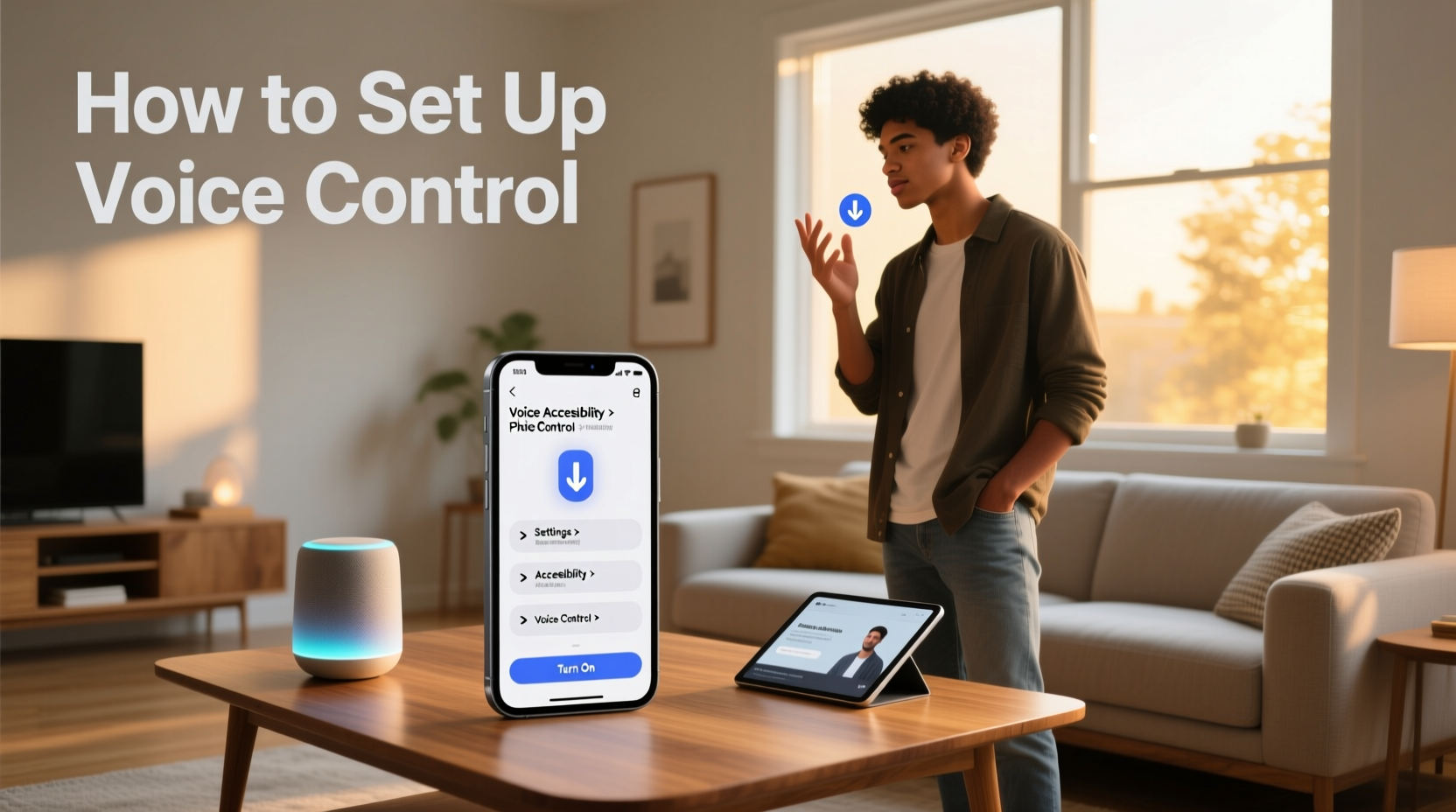
Credit: carinterior.alibaba.com
Tips for a Good Smart Home Voice Control Setup
| Tip | Why It Helps |
|---|---|
| Place smart speakers in open spaces | They hear your voice better |
| Use simple and clear commands | The device understands you easily |
| Keep your apps updated | New features and fixes are added |
| Secure your Wi-Fi with a strong password | Protect your smart home devices |
Common Problems and How to Fix Them
Sometimes, things do not work as expected. Here are common problems and fixes:
Device Not Responding
- Check if the device is plugged in and powered on.
- Make sure the device is connected to Wi-Fi.
- Restart the device and your router.
Voice Assistant Does Not Hear You
- Speak clearly and near the device.
- Check if the microphone is muted.
- Reduce background noise.
Cannot Link Device To Voice Assistant
- Check if you used the right app.
- Ensure your device supports the voice assistant.
- Try unlinking and linking again.
Benefits of Smart Home Voice Control
Why use voice control at home? Here are some reasons:
- Convenience: Control devices without moving.
- Accessibility: Helpful for elderly or disabled people.
- Energy saving: Turn off devices easily to save power.
- Fun: Play music or ask questions.
Smart voice control makes daily tasks easier and more enjoyable.
Frequently Asked Questions
What Devices Work Best For Smart Home Voice Control?
Most smart speakers like Amazon Echo and Google Nest work well. They support many smart home devices for easy control.
How Do I Connect Smart Home Devices To Voice Assistants?
Use the app of your voice assistant to add devices. Follow step-by-step instructions to link and name each device.
Can I Control Smart Home Devices Remotely By Voice?
Yes, voice assistants connected to Wi-Fi let you control devices anywhere. Just use your phone or smart speaker.
What Are Common Voice Commands For Smart Home Control?
Commands like “Turn on lights,” “Set thermostat to 70,” or “Lock the door” work well. Keep commands simple.
Conclusion
Setting up smart home voice control is simple. You need a voice assistant device, smart gadgets, and Wi-Fi. Follow the steps to connect everything. Test your voice commands to see if it works. Customize your setup for more comfort.
With this setup, you can control your home with your voice. It saves time and effort. Try it today and enjoy a smarter home.