

Building a new house is exciting. You want it to be safe, comfortable, and easy to live in. Today, many people add smart home devices. These devices make life simpler. But where do you start? This guide helps you with a smart home installation checklist. It is made for new houses. It will help you plan and install smart devices step by step.
Credit: newcenturysalesinc.com
What Is a Smart Home?
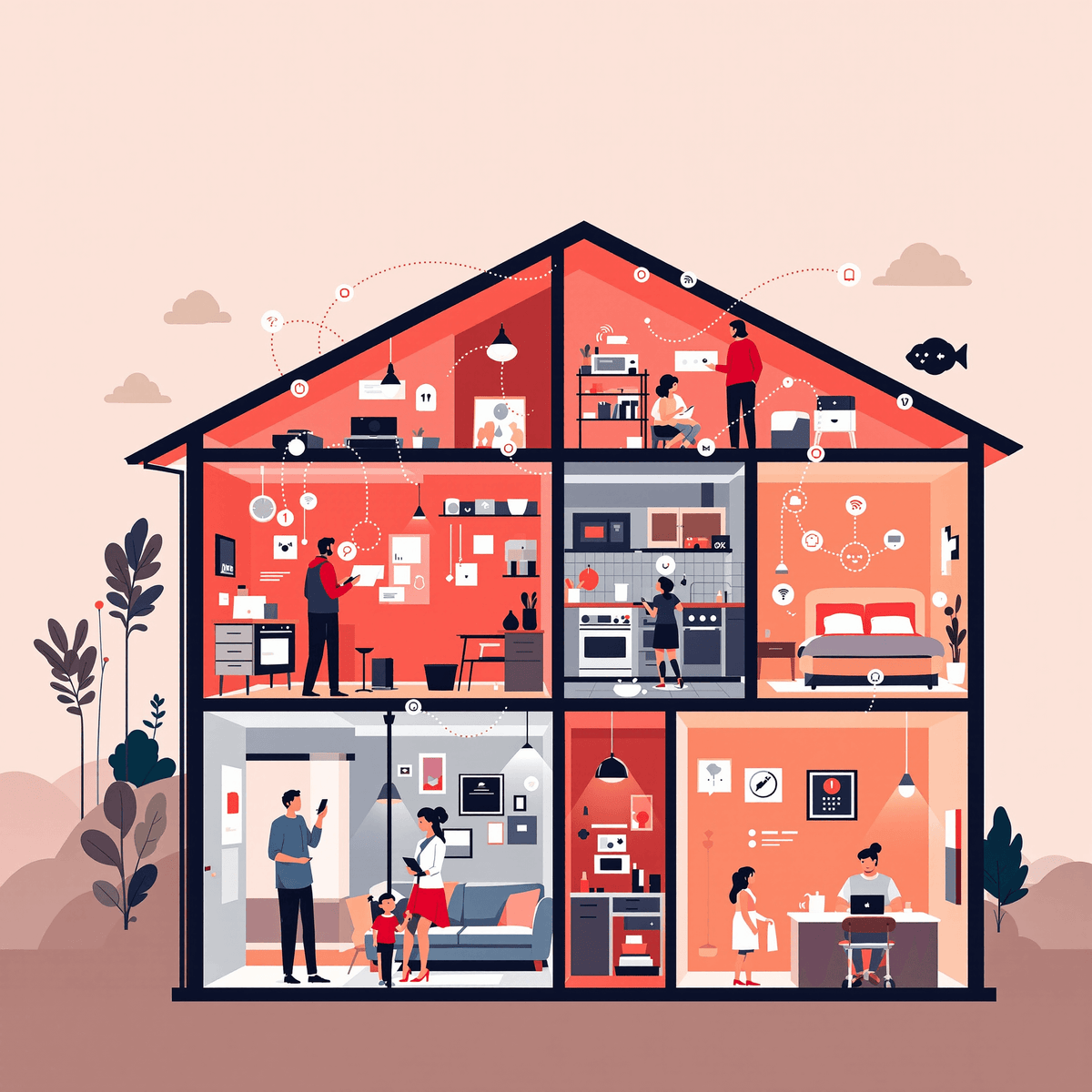
A smart home uses technology to control things like lights, locks, and temperature. You can control these from your phone or voice. Smart homes save energy and make life easier. They can also keep your home safe. Many smart devices connect to the internet. This lets you control your home from anywhere.
Why Install Smart Devices in a New House?
- Easy to install: You build your house from scratch. It is easier to add smart devices now.
- Better wiring: You can add special wires for smart systems.
- Save money: Installing devices while building costs less.
- Future-ready: Your house stays modern for years.
Smart Home Installation Checklist
Use this checklist to add smart devices step by step.
1. Plan Your Smart Home Needs
Think about what you want your smart home to do. Make a list of devices you want. Examples:
- Smart lights
- Smart thermostat
- Security cameras
- Smart locks
- Voice assistants
- Smart plugs
Decide which rooms need smart devices. Living room, kitchen, bedrooms?
2. Check Your Internet Connection
Smart devices need good internet. Make sure your house has strong Wi-Fi. Plan where to put your router. You may need extra Wi-Fi points for big houses.
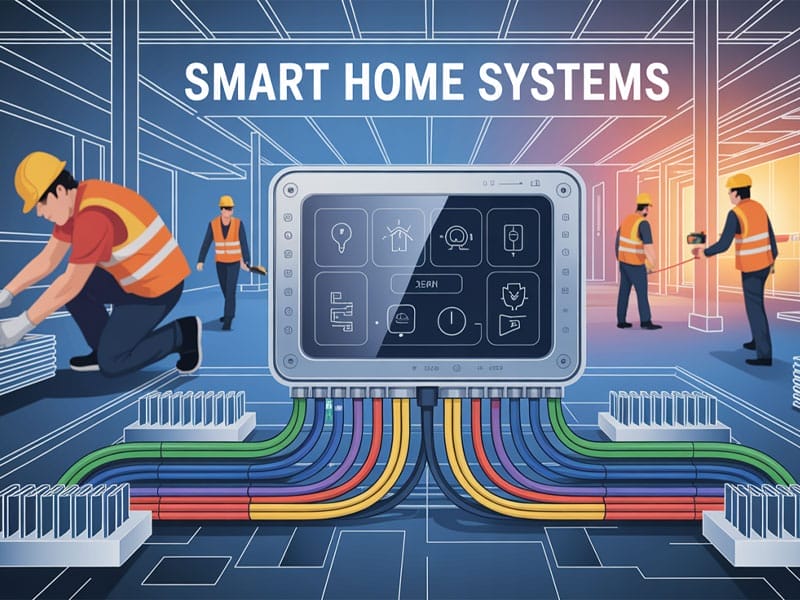
3. Design Your Wiring And Power Setup
Smart devices need power and sometimes special wiring. Talk to your builder or electrician about this. Some devices use regular plugs. Others need special wires. Examples:
- Ethernet cables for smart TVs or cameras
- Power outlets near smart switches
- Charging points for devices
Plan where to place these wires and plugs before walls close.
4. Choose A Central Control System
You need one system to control all devices. This is called a hub or controller. Popular options include:
- Amazon Alexa
- Google Home
- Apple HomeKit
Choose one that fits your devices and skills. This makes control easy.
5. Install Smart Lighting
Smart lights help save energy and set mood. You can control lights by phone or voice. Steps:
- Choose smart bulbs or smart switches.
- Plan lights in main rooms and hallways.
- Make sure power is ready for smart switches.
- Test lights after installation.
6. Set Up Smart Climate Control
Smart thermostats keep your house comfortable. They save energy by adjusting heating and cooling. Steps:
- Choose a smart thermostat that fits your heating system.
- Place it where temperature is stable.
- Connect it to your Wi-Fi and control system.
- Program schedules for your daily routine.
7. Install Smart Security Devices
Security devices protect your home. They include cameras, locks, and alarms. Steps:
- Put cameras near doors and windows.
- Install smart locks on main doors.
- Add motion sensors inside and outside.
- Connect alarms to your phone for alerts.
8. Add Voice Assistants
Voice assistants help you control devices by speaking. They also answer questions and play music. Steps:
- Choose a voice assistant that works with your hub.
- Place devices in living areas and bedrooms.
- Connect to Wi-Fi and pair with smart devices.
9. Use Smart Plugs And Outlets
Smart plugs let you control regular devices remotely. You can turn lamps, fans, and appliances on or off. Steps:
- Buy smart plugs for devices without smart features.
- Plug them into power outlets.
- Connect to your control system.
10. Set Up Smart Entertainment
Smart TVs and speakers improve fun at home. They connect to Wi-Fi and work with voice control. Steps:
- Install smart TV or add a smart device to your TV.
- Set up smart speakers in common rooms.
- Connect devices to your Wi-Fi network.
Credit: www.vesternet.com
Tips for a Smooth Installation
- Start early: Plan smart features before building starts.
- Keep devices compatible: Choose devices that work together.
- Label wires and devices: This helps later repairs.
- Test each device: Make sure it works before moving walls.
- Keep your system updated: Update software regularly.
Smart Home Installation Timeline
Here is a simple timeline to follow during your house build.
| Building Phase | Smart Home Tasks |
|---|---|
| Planning Stage | Decide devices, choose control system, plan wiring |
| Construction Stage | Install wiring, place power outlets, setup network cables |
| Pre-Final Stage | Install devices like switches, thermostats, cameras |
| Final Stage | Test all devices, connect to Wi-Fi, setup controls |
| Move-In | Use and enjoy your smart home |
Common Mistakes to Avoid
- Not planning Wi-Fi coverage properly
- Buying devices that don’t work together
- Ignoring power needs for smart switches
- Delaying installation until after building finishes
- Skipping software updates
Final Thoughts
Adding smart devices to your new house is smart. It saves time and energy. Follow this checklist. Plan well and install step by step. You will enjoy a home that is easy to control. It will be safer and more comfortable. Take your time. Ask for help from experts if needed. Your smart home journey starts now.
Frequently Asked Questions
What Is The First Step In Smart Home Installation?
Start by planning which smart devices you need. Consider your budget and home layout before buying.
How Do I Choose The Right Smart Home Devices?
Pick devices that work well together and fit your daily needs. Check compatibility with your home’s Wi-Fi.
Can I Install Smart Home Devices Myself?
Many smart devices are easy to install with instructions. For complex systems, hiring a professional is safer.
What Smart Home Devices Are Essential For New Houses?
Start with smart lights, thermostats, and security cameras. These improve comfort, safety, and energy use.